
Zebra ZD421 Review
Covers it as the replacement for the Zebra GK420d, calling it efficient and reliable with quality prints assured.
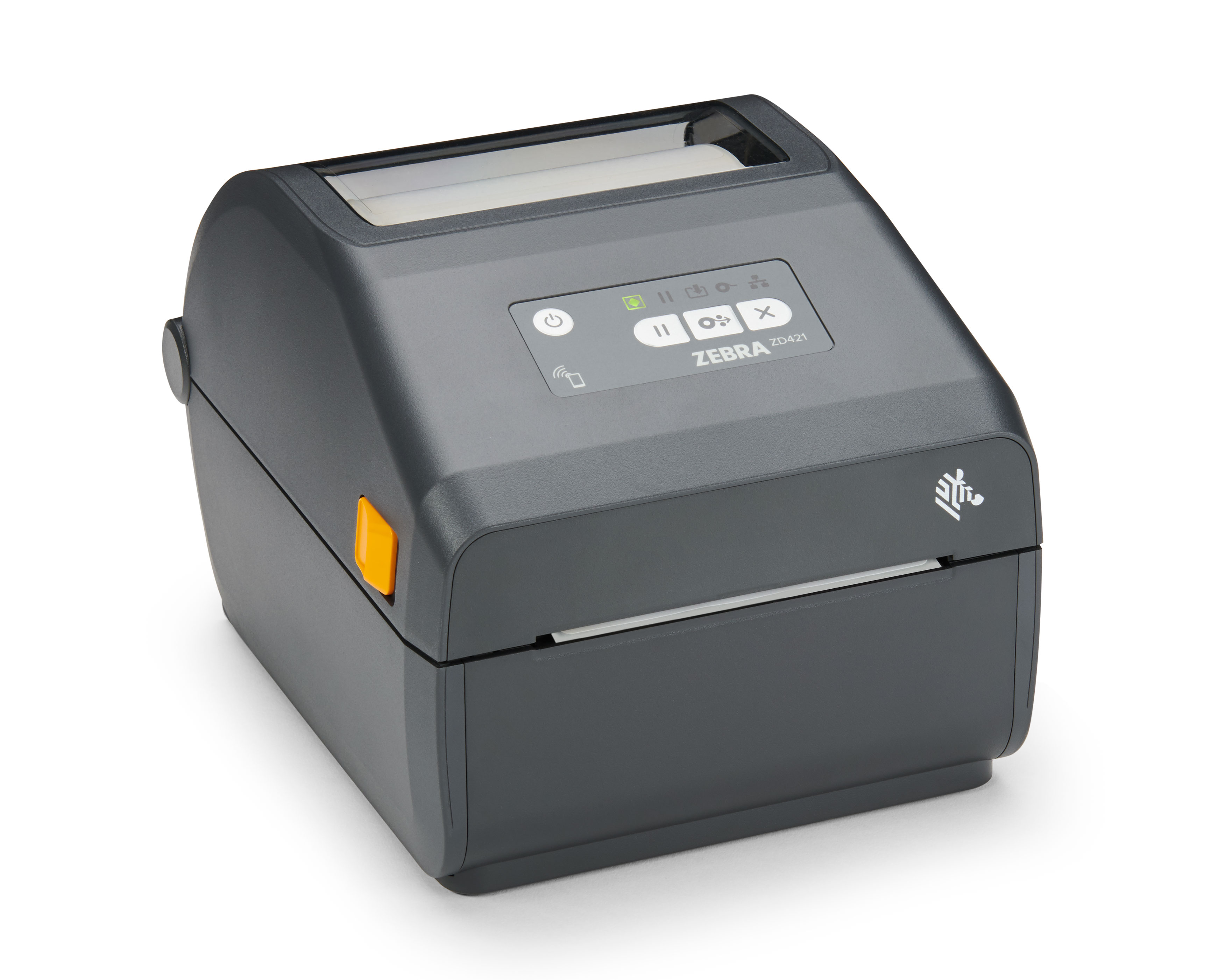
At a Glance
This model is best suited to buyers prioritizing reliability and duty cycle. Its strongest buying points are industrial duty cycle, thermal-transfer option for durable labels, and ZPL/Link-OS fleet management.
Technical Assessment
PC Guide covers it as the direct replacement for the discontinued Zebra GK420d, calling it efficient and reliable with quality prints assured — the shortlist’s clear pick for warehouse and barcode-heavy workflows that need industrial duty cycles and ZPL compatibility rather than simple shipping labels.
Reliability and Ownership
Priciest mainstream pick; Base configuration is USB-only. Warranty: 2-year standard warranty (region-dependent); Zebra OneCare available.
Buyer Fit and Trade-Offs
Best For & Key Strengths
Best For
- Buyers prioritizing reliability and duty cycle.
Key Strengths
- Industrial duty cycle
- Thermal-transfer option for durable labels
- ZPL/Link-OS fleet management
Not Ideal For & Key Trade-Offs
Not Ideal For
- Buyers prioritizing value and warranty above other factors.
Key Trade-Offs
- Priciest mainstream pick
- Base configuration is USB-only
Technical Specifications
| Summary | Direct thermal and thermal transfer (ribbon-cartridge ZD421C); 203 or 300 DPI; 6 ips (152 mm/s); max width 4.09"-4.27"; USB/USB Host standard, optional Ethernet/serial/dual Wi-Fi+Bluetooth; ZPL II/EPL2/Link-OS. |
| Evidence Id | zebra-zd421-official |
| Source Url | https://www.zebra.com/us/en/products/printers/desktop/zd421.html |
| Observed Date | 2026-08-06 |
| Hardware | Direct thermal and thermal transfer (ribbon-cartridge ZD421C variant) print engine. |
| Performance | 6 ips (152 mm/s) print speed at 203 DPI; also available in 300 DPI configuration; max print width 4.09"-4.27" depending on resolution. |
| Compatibility | Supports ZPL II and EPL2 programming languages plus Zebra’s Link-OS management platform; Windows driver support confirmed via manufacturer documentation. |
| Controls | Single-button operation with status LED indicators; no touchscreen on this model. |
| Power | Standard 120V AC-powered desktop printer; no battery. Exact rated power consumption/wattage was not independently confirmed this pass. |