
Best Monitors 2026
A category-specific approach to ranking Monitors
Most general product roundups are built around broad buyer priorities. Flickthru evaluates monitors for home-office and hybrid professionals, prioritising office productivity text clarity, image quality color accuracy, connectivity docking, ergonomics eye comfort, and workspace fit usability.

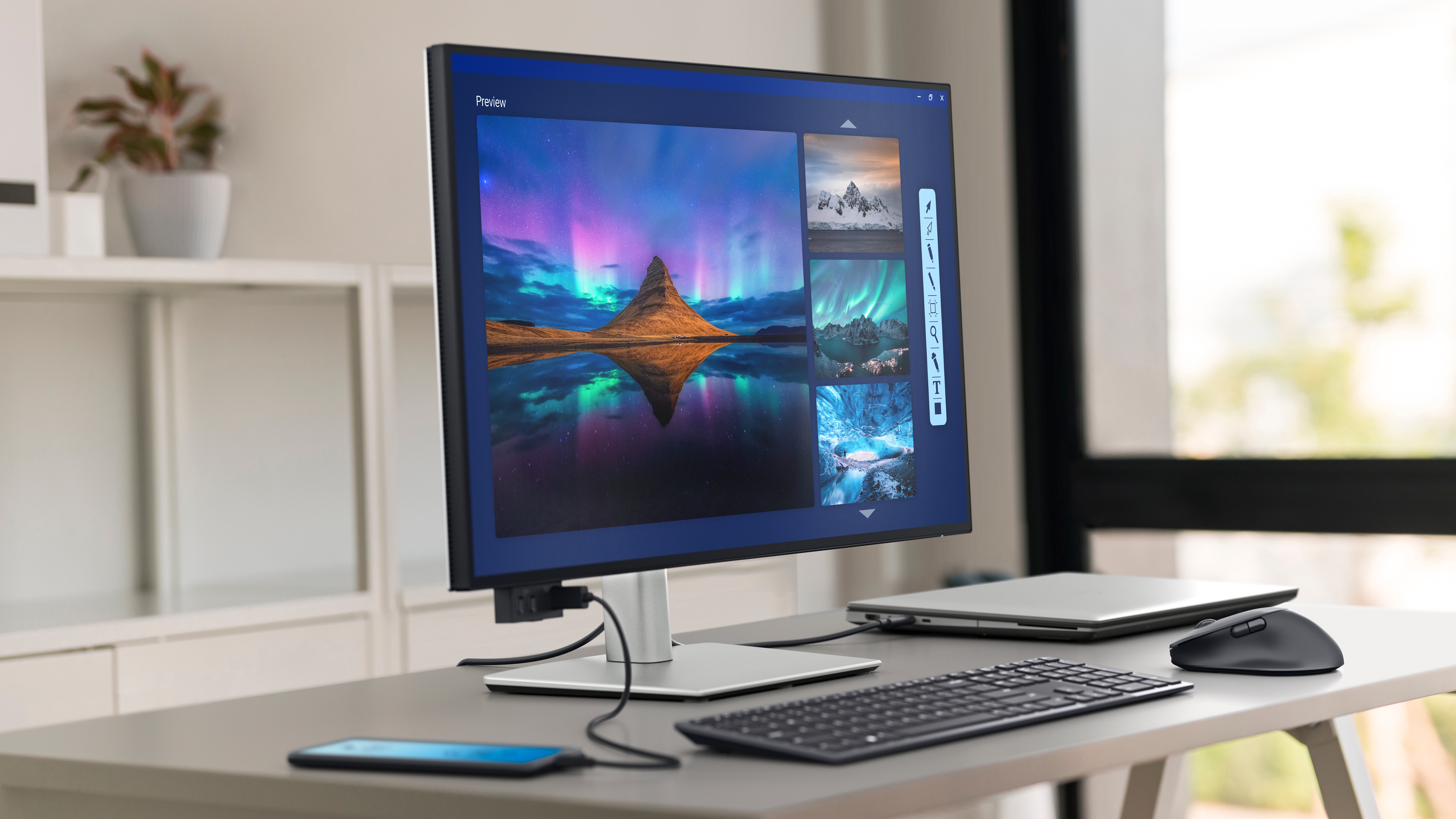
Dell UltraSharp 27 4K Thunderbolt Hub Monitor U2725QE
A superb compact productivity hub with outstanding text clarity, modern connectivity and accurate color, held back mainly by weak motion and HDR behavior.
- Exceptionally sharp 27-inch 4K text
- Smooth 120Hz desktop operation
- Thunderbolt 4 hub with up to 140W charging
- Accurate wide-gamut color
- Local dimming is ineffective
- Motion clarity is weak for a 120Hz display
- Premium price for a 27-inch LCD
- Professionals wanting a compact high-density display and a full laptop dock
- Fast-action gaming or buyers prioritizing strong HDR
A superb compact productivity hub with outstanding text clarity, modern connectivity and accurate color, held back mainly by weak motion and HDR behavior.
Supports: professional assessment, benefits, limitations.
- Published display specification: 4K at 120Hz; 450 nits SDR; 99% DCI-P3.
Dell provides a current US support route and mature UltraSharp business positioning. Public evidence does not establish a population failure rate; owner feedback is treated as directional only.
| Size | 27-inch |
|---|---|
| Resolution | 3840 x 2160 |
| Panel | IPS Black |
| Refresh Rate Hz | 120 |
| Brightness | 450 nits SDR claimed |
| Connectivity | Thunderbolt 4, KVM, Ethernet, extensive USB, up to 140W charging |
| Ergonomics | Height, tilt, swivel and pivot stand |
Dell UltraSharp 32 4K Thunderbolt Hub Monitor U3225QE
One of the strongest all-round 32-inch office monitors, combining a crisp 4K panel, smoother 120Hz operation and class-leading docking.
- Large and sharp 31.5-inch 4K workspace
- Improved IPS Black contrast
- 120Hz refresh
- Excellent Thunderbolt 4, KVM and Ethernet hub
- No built-in speakers
- HDR contrast remains limited
- Fast motion can look blurry
- Home-office and professional users wanting one large display to replace a dock
- Competitive gaming or buyers seeking OLED-like HDR
One of the strongest all-round 32-inch office monitors, combining a crisp 4K panel, smoother 120Hz operation and class-leading docking.
Supports: professional assessment, benefits, limitations.
The exact model has a current Dell US product and support route plus substantial retailer visibility. Available evidence supports the feature set but does not justify a generalized long-term failure-rate claim.
| Size | 31.5-inch |
|---|---|
| Resolution | 3840 x 2160 |
| Panel | IPS Black |
| Refresh Rate Hz | 120 |
| Brightness | bright enough for most offices |
| Connectivity | Thunderbolt 4 hub, USB-C, Ethernet, KVM, 140W laptop charging |
| Ergonomics | Height, tilt, swivel and pivot stand |

BenQ RD280UG
A distinctive and highly effective productivity display whose 3:2 format, sharpness and 120Hz refresh genuinely improve code and document work.
- Tall 3:2 workspace is excellent for code and documents
- Very sharp 3840 × 2560 panel
- Smooth 120Hz refresh
- 90W USB-C, KVM and ambient-light tools
- Unusual aspect ratio is not ideal for all media
- Premium price for a 28-inch monitor
- HDR capability is limited
- Programmers, writers and document-heavy professionals
- Buyers focused on widescreen video, conventional gaming or lowest cost
A distinctive and highly effective productivity display whose 3:2 format, sharpness and 120Hz refresh genuinely improve code and document work.
Supports: professional assessment, benefits, limitations.
| Size | 28.2-inch |
|---|---|
| Resolution | 3840 x 2560 |
| Panel | IPS |
| Refresh Rate Hz | 120 |
| Brightness | DisplayHDR 400 class |
| Connectivity | USB-C with 90W power, KVM, USB hub, HDMI 2.1 |
| Ergonomics | Height, tilt, swivel and pivot; 3:2 format; MoonHalo bias light |

BenQ PD3226G
A rare creator monitor that combines excellent color performance with 144Hz smoothness and a serious Thunderbolt workflow.
- Excellent measured color accuracy
- 144Hz refresh is unusually smooth for a creator display
- Thunderbolt 4 and KVM workflow
- Flexible professional color modes
- SDR brightness is modest
- No dedicated Adobe RGB mode
- Premium price
- Digital creators who want accurate color and a high-refresh 32-inch workspace
- Print specialists dependent on a dedicated Adobe RGB workflow or buyers seeking very bright HDR
A rare creator monitor that combines excellent color performance with 144Hz smoothness and a serious Thunderbolt workflow.
Supports: professional assessment, benefits, limitations.
| Size | 31.5-inch |
|---|---|
| Resolution | 3840 x 2160 |
| Panel | IPS |
| Refresh Rate Hz | 144 |
| Brightness | 400 nits claimed; lower measured SDR result in one review |
| Connectivity | Thunderbolt 4, KVM, USB hub, HDMI, DisplayPort |
| Ergonomics | Height, tilt, swivel and pivot stand; HotKey Puck |
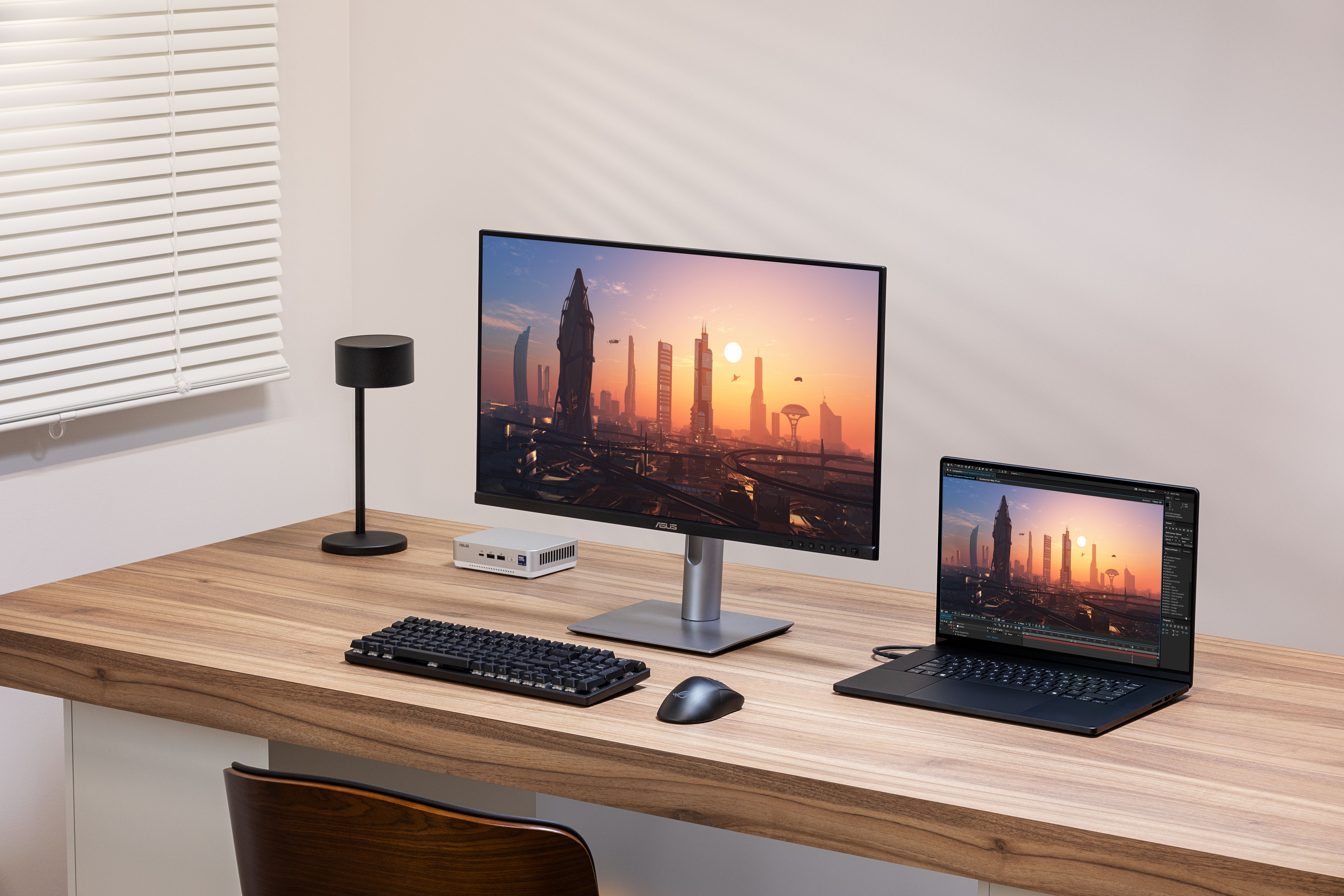
ASUS ProArt Display 6K PA32QCV
A high-value route to a large 6K creative workspace, with superb detail and useful professional tools but conventional LCD contrast and 60Hz motion.
- Exceptionally detailed 32-inch 6K image
- Strong brightness and reflection handling
- Professional color modes and calibration support
- Thunderbolt 4 and KVM
- Only 60Hz
- Aggressive matte coating can soften perceived text clarity
- Weak local dimming and HDR blacks
- Photographers, designers and Mac users wanting a large Retina-density canvas
- High-refresh users or buyers prioritizing deep HDR contrast
A high-value route to a large 6K creative workspace, with superb detail and useful professional tools but conventional LCD contrast and 60Hz motion.
Supports: professional assessment, benefits, limitations.
| Size | 31.5-inch |
|---|---|
| Resolution | 6016 x 3384 |
| Panel | IPS LCD |
| Refresh Rate Hz | 60 |
| Brightness | DisplayHDR 600 class |
| Connectivity | Thunderbolt 4, USB-C, HDMI, DisplayPort, USB hub, 90W laptop charging |
| Ergonomics | Height, tilt, swivel and pivot stand |
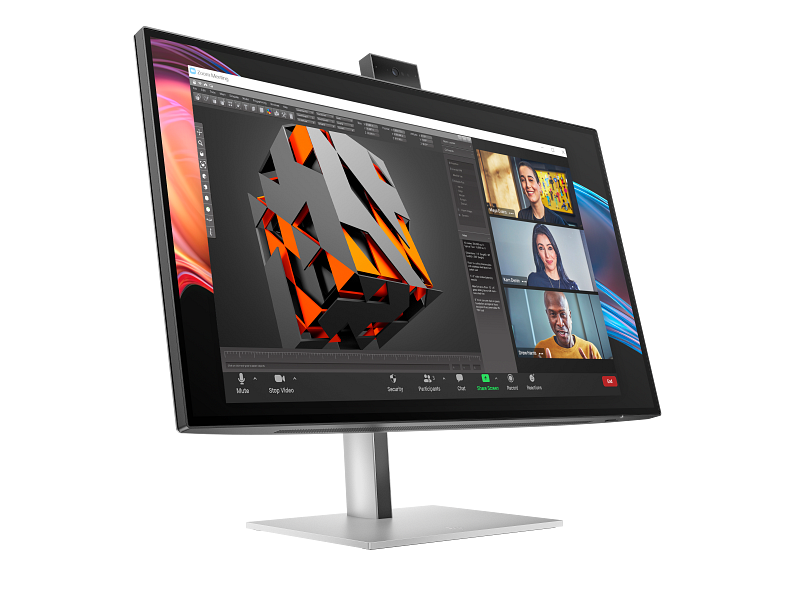
HP Series 7 Pro 27-inch 4K Conferencing Monitor 727pm
A complete premium conferencing monitor that earns its place through workflow integration rather than raw panel novelty.
- Sharp 27-inch 4K business display
- Integrated conferencing camera and audio
- Thunderbolt docking and KVM
- Strong ergonomic adjustment
- 60Hz panel
- High price
- Multimedia performance is secondary to office use
- Video-heavy business users wanting one display, dock and conferencing station
- Buyers who already own conferencing equipment or want high-refresh entertainment
A complete premium conferencing monitor that earns its place through workflow integration rather than raw panel novelty.
Supports: professional assessment, benefits, limitations.
| Size | 27-inch |
|---|---|
| Resolution | 3840 x 2160 |
| Panel | IPS Black |
| Refresh Rate Hz | 60 |
| Brightness | premium business display class |
| Connectivity | Thunderbolt 4, KVM, Ethernet, broad USB connectivity |
| Ergonomics | Adjustable stand; integrated webcam and conferencing audio |
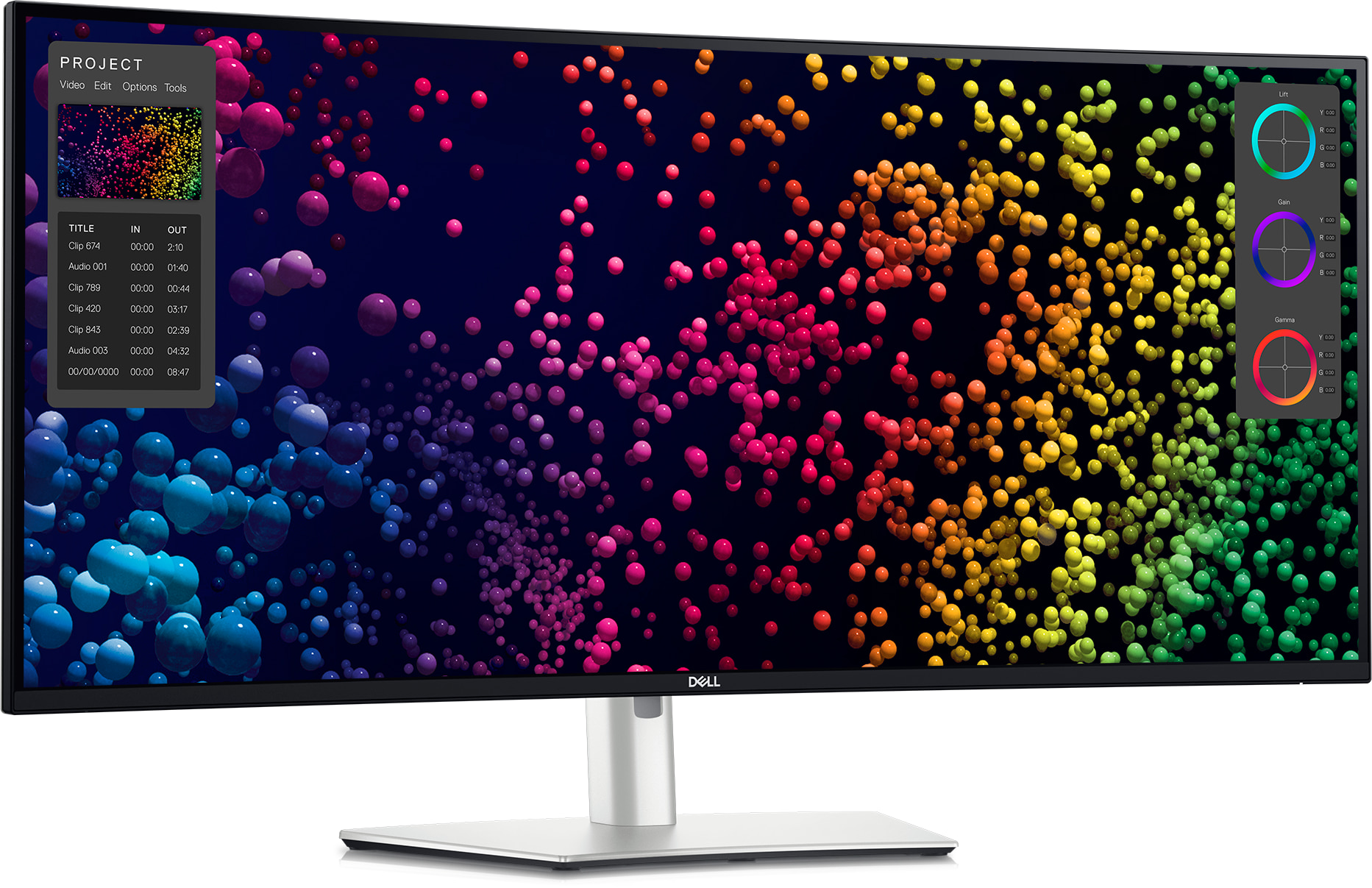
Dell UltraSharp 40 Curved Thunderbolt Hub Monitor U4025QW
A premium single-screen productivity command center with huge usable space and excellent docking, but a price and footprint that demand a clear workflow need.
- Expansive 40-inch 5K2K workspace
- Sharp 120Hz IPS Black panel
- Excellent Thunderbolt 4 hub and KVM
- Strong color accuracy and ergonomics
- Very expensive
- Slow pixel response for 120Hz
- HDR local dimming is weak
- Power users replacing dual monitors with one high-resolution ultrawide
- Small desks, fast gaming or buyers seeking strong HDR value
A premium single-screen productivity command center with huge usable space and excellent docking, but a price and footprint that demand a clear workflow need.
Supports: professional assessment, benefits, limitations.
Dell maintains a current US product and support route, and the model has broad professional coverage. Owner discussions describe both successful and problematic setups, but they are not a basis for a population failure rate.
| Size | 39.7-inch curved ultrawide |
|---|---|
| Resolution | 5120 x 2160 |
| Panel | IPS Black |
| Refresh Rate Hz | 120 |
| Brightness | bright enough for most office environments |
| Connectivity | Thunderbolt 4, USB-C, Ethernet, KVM and extensive hub |
| Ergonomics | Height, tilt and swivel; large curved format |

Apple Studio Display XDR
A technically exceptional Mac display with real HDR capability and seamless integration, but its narrow compatibility and price make it a specialist choice.
- Excellent 5K sharpness and Mac scaling
- Powerful Mini LED HDR performance
- 120Hz adaptive refresh
- Excellent integrated camera, audio and Thunderbolt 5
- Extremely expensive
- Limited usefulness with Windows PCs and consoles
- Visible haloing can occur around bright objects
- Mac-based HDR creators wanting an integrated reference-style desktop display
- Windows users, console users or value-focused general office buyers
A technically exceptional Mac display with real HDR capability and seamless integration, but its narrow compatibility and price make it a specialist choice.
Supports: professional assessment, benefits, limitations.
- Official HDR specification: 2000 nits peak HDR; more than 2,000 dimming zones.
Apple provides a current US store and support route. The new generation has limited long-term field history, so reliability confidence reflects official support and professional testing rather than mature owner-duration evidence.
| Size | 27-inch |
|---|---|
| Resolution | 5120 x 2880 |
| Panel | Mini LED IPS |
| Refresh Rate Hz | 120 |
| Brightness | 1000 nits SDR and 2000 nits peak HDR claimed |
| Connectivity | Thunderbolt 5, USB-C, up to 140W charging, daisy chaining |
| Ergonomics | Stand configuration varies; height-adjustable option costs more |
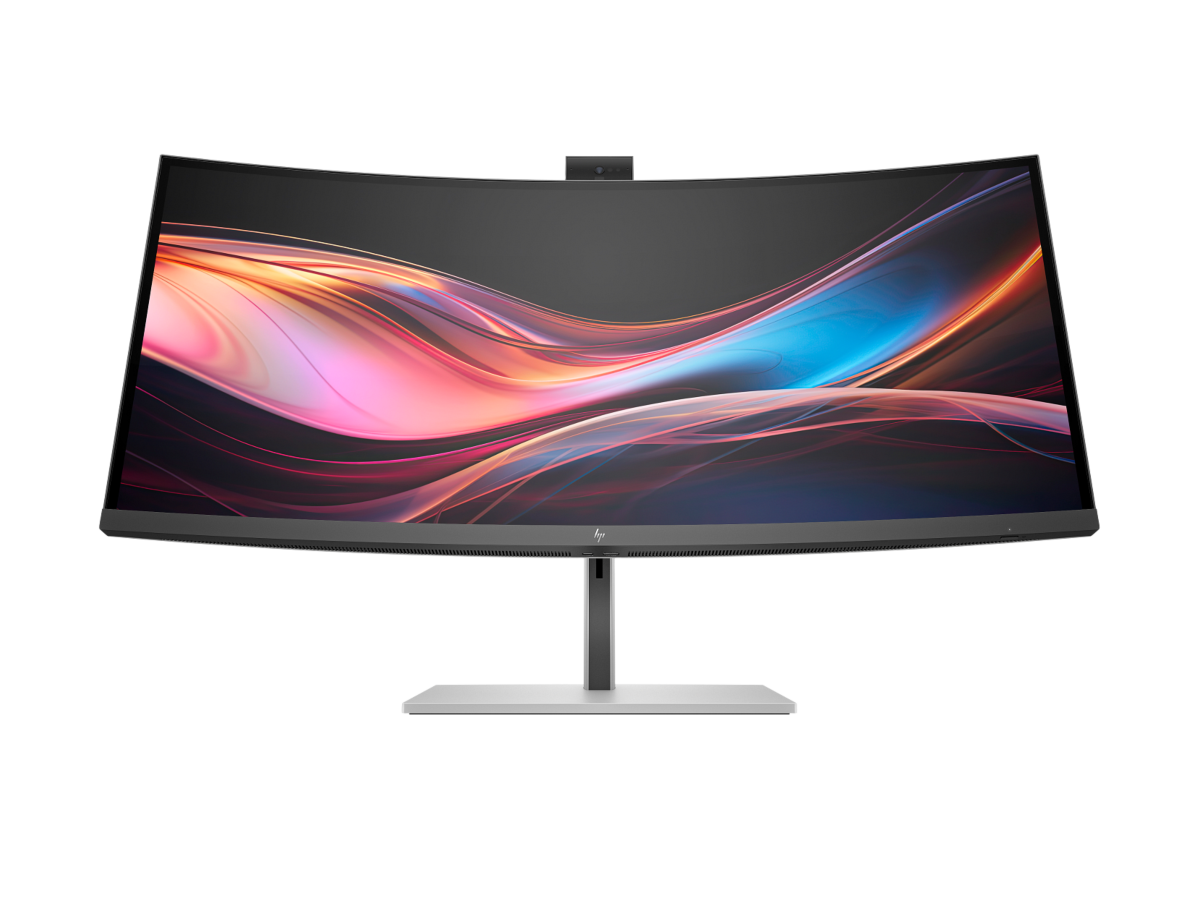
HP Series 7 Pro 34-inch WQHD Conferencing Monitor 734pm
An unusually complete ultrawide business workstation that combines multitasking space, docking and conferencing in one display.
- Productive 34-inch ultrawide format
- Thunderbolt 4 hub and KVM
- Excellent integrated webcam and Windows Hello
- 120Hz IPS Black panel
- High price
- Speakers and conferencing automation receive mixed feedback
- Lower pixel density than 4K 27-inch options
- Business multitaskers who want an ultrawide dock and conferencing station
- Buyers prioritizing maximum text density or who already own conferencing hardware
An unusually complete ultrawide business workstation that combines multitasking space, docking and conferencing in one display.
Supports: professional assessment, benefits, limitations.
- Panel specification: 3440 x 1440, 120Hz, 400 nits, 2000:1 claimed contrast.
HP provides a current US sales and support route. The available owner sample is small and mixed, so it informs cautions without supporting a generalized defect or failure claim.
| Size | 34-inch ultrawide |
|---|---|
| Resolution | 3440 x 1440 |
| Panel | IPS Black |
| Refresh Rate Hz | 120 |
| Brightness | 400 nits claimed |
| Connectivity | Thunderbolt 4, KVM, Ethernet, broad USB and display outputs |
| Ergonomics | Height and tilt adjustment; integrated webcam, microphones and speakers |

BenQ PD3225U
A dependable creator-focused 32-inch 4K monitor with excellent color tools and Mac integration, though newer high-refresh rivals are more versatile.
- Accurate wide-gamut 4K color
- Strong Mac-oriented workflow tools
- Thunderbolt, KVM and useful Hotkey Puck
- Excellent ergonomic stand
- Middling brightness
- 60Hz refresh
- Large and expensive
- Mac-based designers and photographers wanting accurate color and flexible connectivity
- High-refresh work, compact desks or buyers focused on HDR brightness
A dependable creator-focused 32-inch 4K monitor with excellent color tools and Mac integration, though newer high-refresh rivals are more versatile.
Supports: professional assessment, benefits, limitations.
| Size | 31.5-inch |
|---|---|
| Resolution | 3840 x 2160 |
| Panel | IPS Black |
| Refresh Rate Hz | 60 |
| Brightness | bright enough for most offices |
| Connectivity | Thunderbolt, USB hub, KVM and HotKey Puck |
| Ergonomics | Full ergonomic stand |
How We Evaluate Monitors
Our rankings are built through the Flickthru CORE™ Market Research Engine, which first analyses the category, its intended buyers, and the current US market. Products are then assessed using category-specific evidence, performance indicators, availability, ownership signals, and long-term reliability considerations.
Recommendations reflect overall suitability for the intended buyer – not simply the highest specification, lowest price, or strongest result in a single test. When product-level customer feedback is limited, we prioritize official validation, credible technical evidence, and demonstrated category suitability rather than estimating or inflating review counts. Read the full Flickthru product ranking methodology.
- Category Specific Analysis: Defining buyers’ needs, primary uses, business priorities, acceptable compromises, and category-specific requirements before products are compared.
- Long-Term Reliability: Tracking recurring failure patterns, component durability, warranty trends, and long-term ownership outcomes from verified market data.
- Performance: Evaluating category-specific real-world performance, efficiency, consistency, and practical usability rather than relying on marketing claims alone.
- Features: Assessing functionality, usability, build quality, safety, ergonomics, and category-specific capabilities important to long-term ownership.
- Value: Measuring total cost of ownership, lifecycle longevity, support quality, lifecycle suitability, and overall return on investment.
- Evidence Review: Combining verified purchaser feedback where available with professional testing, official product validation, technical evidence, and market suitability signals.
- Market Coverage: Mapping the current US market, credible product families, availability, price positioning, and relevant competitors within the category.
Products demonstrating recurring reliability concerns, inconsistent performance behavior, poor ownership outcomes, or widespread negative sentiment are algorithmically suppressed from our rankings regardless of marketing claims, sponsorship relationships, or short-term popularity trends.
This methodology is designed to identify products that deliver genuine long-term value, reliability, and real-world usefulness rather than simply matching short-term hype, advertising claims, or isolated test results.