
StarTech.com Thunderbolt 4/USB4 Quad Display Docking Station Review
The clearest choice for buyers who most need to drive four external displays, trading away all downstream Thunderbolt ports to do it — now backed by three independent reviews confirming reliable dual/quad-display operation.
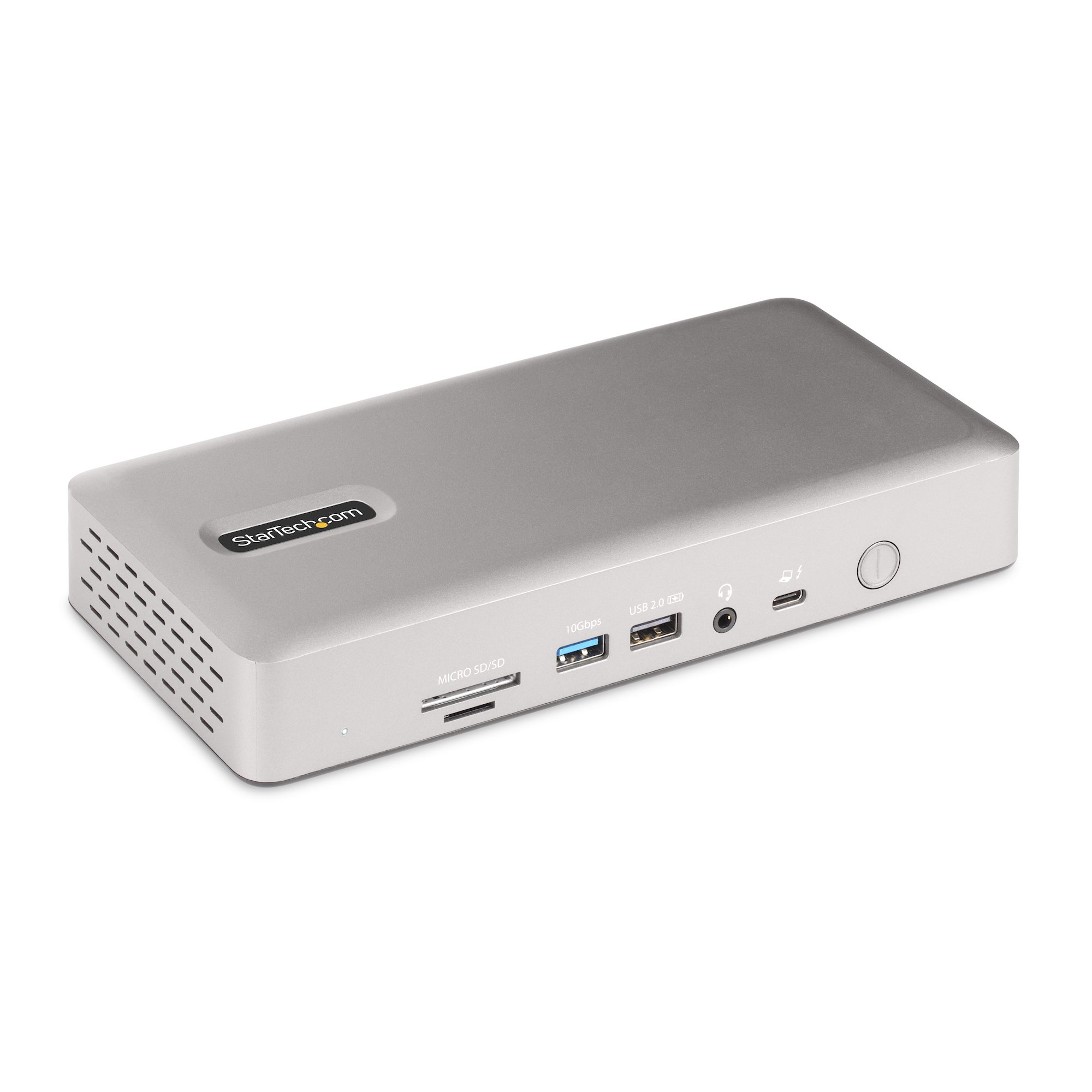
At a Glance
This model is best suited to windows-first buyers who specifically need to drive three or four external displays from one dock and don’t need downstream Thunderbolt expansion. Its strongest buying points are up to four 4K60 displays with the right host hardware — the widest display support in this shortlist, UHS-II SD card reader (312MBps), faster than many rivals’ UHS-I readers, and dual display-port groups (DisplayPort+HDMI each) avoid forcing buyers into a specific cable.
Technical Assessment
StarTech’s quad-display claim depends on Windows laptops with 12th-Gen Intel CPUs or newer and DSC support, a narrower compatibility window than most rivals here, but its 98W charging and 2.5GbE networking bring it in line with the rest of the mid-tier shortlist despite its lower price point.
Performance
MacSources reports handling dual monitors, accessories, Ethernet and charging without issues; Tech Advisor and PCWorld both independently confirm the core quad-display and dual-4K feature set, with PCWorld comparing it favorably to the similarly-configured Plugable TBT4-UDZ for flexible display-cable options.
Features and Workflow
The feature set combines Connection Standard: Thunderbolt 4 / USB4, a Quad external display support, the headline feature per PCWorld, and Warranty: 3-year warranty. Together, these capabilities support more complete day-to-day workflows and reduce reliance on a single headline specification.
Reliability and Ownership
No independent long-term reliability data or numeric owner-review aggregate was found this pass, though none of the three independent reviews reported stability complaints.
Buyer Fit and Trade-Offs
Best For & Key Strengths
Best For
- Windows-first buyers who specifically need to drive three or four external displays from one dock and don’t need downstream Thunderbolt expansion.
Key Strengths
- Up to four 4K60 displays with the right host hardware — the widest display support in this shortlist
- UHS-II SD card reader (312MBps), faster than many rivals’ UHS-I readers
- Dual display-port groups (DisplayPort+HDMI each) avoid forcing buyers into a specific cable
Not Ideal For & Key Trade-Offs
Not Ideal For
- Buyers who want to daisy-chain Thunderbolt peripherals or storage, or who need more than one USB-C port.
Key Trade-Offs
- Zero downstream Thunderbolt/USB4 ports — all bandwidth goes to display support
- Only 1 USB-C port versus 6 USB-A ports, a dated port mix by 2026 standards
- Exact current price and power-delivery wattage not independently reconfirmed this pass
Technical Specifications
| Connection Standard | Thunderbolt 4 / USB4 |
| Max Display Support | Quad external display support, the headline feature per PCWorld |
| Target Use Case | Buyers who prioritize multiple external displays over compactness |