
Dell UltraSharp 49 Curved USB-C Hub Monitor U4924DW Review
Huge 32:9 canvas can replace two QHD monitors, but only 1440 pixels tall keeps it from being universal.
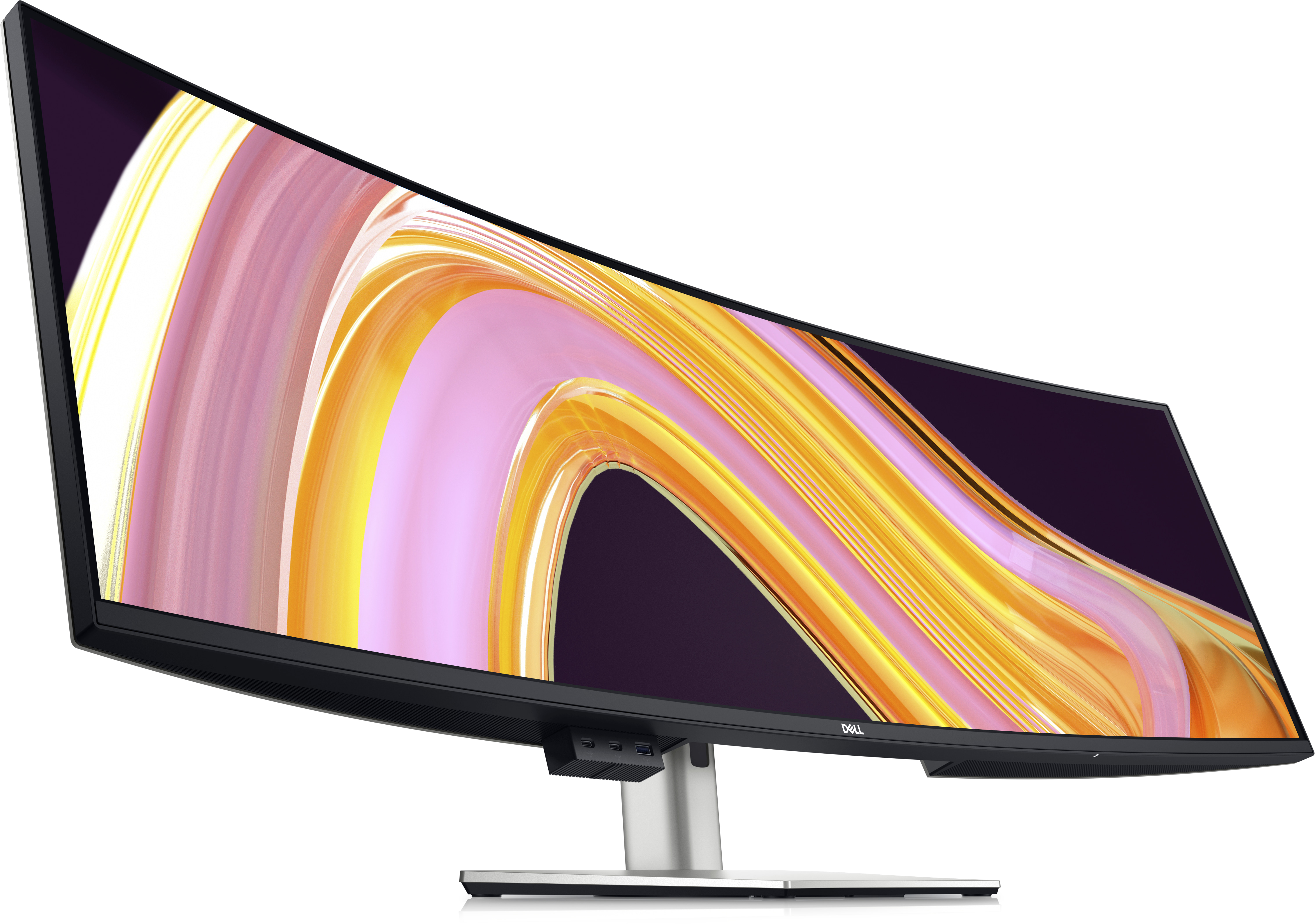
At a Glance
This model is best suited to multitaskers who specifically want a seamless dual-QHD replacement. Key strengths: Huge 32:9 canvas can replace two QHD monitors; Strong USB-C hub, Ethernet and KVM; Good IPS Black color and contrast.
Dell UltraSharp 49 Curved USB-C Hub Monitor U4924DW Specifications
Dell UltraSharp 49 Curved USB-C Hub Monitor U4924DW features a 49 in IPS Black display at 5120 x 1440 and 60 Hz refresh rate.
Display
| Screen Size | 49 in |
| Resolution | 5120 x 1440 |
| Panel Type | IPS Black, anti-glare 3H, 3800R curvature |
| Aspect Ratio | 32:9 |
Motion
| Refresh Rate | 60 Hz |
| Response Time | 8 ms GtG normal; 5 ms GtG fast |
| Adaptive Sync | No variable refresh technology |
Image Quality
| Brightness | 350 nits |
| Contrast Ratio | 2000:1 |
| Color Gamut | 100% Rec.709; 100% sRGB; 98% DCI-P3; 98% Display P3 |
| Color Depth | 1.07 billion colors |
| HDR | HDR not supported |
| Factory Calibration | Delta E < 2 |
Connectivity
| HDMI | 2 x HDMI 2.1 (HDCP 2.2) |
| DisplayPort | 1 x DisplayPort 1.4 (HDCP 2.2) |
| USB-C | USB-C upstream with up to 90 W power delivery; USB-C 3.2 Gen 2 downstream ports up to 15 W |
| USB Hub | 4 x USB 3.2 Gen 2 downstream; 2 x USB-C 3.2 Gen 2 downstream; 1 x USB 3.2 Gen 2 BC 1.2 charging port |
| Other Ports | 1 x 2.5GbE RJ45; 1 x audio line-out |
Ergonomics
| Height Adjustment | 4.72 in (120 mm) |
| Tilt / Swivel / Pivot | Tilt -5° to 21°; swivel -170° to 170°; slant ±2° |
| VESA Mount | 100 x 100 mm; 200 x 100 mm |
Features
- 2 x 9 W speakers
- KVM switch
- Picture-by-Picture
- Picture-in-Picture
- USB-C hub
- Height, swivel, tilt and slant adjustments
Power
| Power Consumption | 45 W operating; 0.3 W standby; 0.3 W off |
Dimensions & Weight
| Dimensions | 47.83 x 10.60 x 15.77–20.49 in (1214.90 x 269.14 x 400.57–520.27 mm) with stand |
| Weight | 35.93 lb (16.30 kg) with stand; 26.79 lb (12.15 kg) without stand |
In the Box
- Stand riser
- Stand base
- USB-C to USB-C cable, 3.3 ft
- DisplayPort cable, 6 ft
- USB-C to USB-A cable, 3.3 ft
- HDMI cable, 6 ft
- Quick setup guide
- Safety, environmental and regulatory information
Warranty & Support
| Warranty | 3-year Advanced Exchange Service and Premium Panel Exchange |
| Support | Online manuals, diagnostics, driver downloads, and advanced exchange service |
Measured Performance
| Native Resolution | 5,120 x 1,440 |
| Refresh Rate | 60 |
From independent lab testing. Results vary by picture mode and screen size.
Summary
The 49 in display provides 5120 x 1440 desktop space at 60 Hz. The specification includes USB-C/Thunderbolt connectivity, integrated speakers.
Should You Buy the Dell UltraSharp 49 Curved USB-C Hub Monitor U4924DW?
The Dell UltraSharp 49 Curved USB-C Hub Monitor U4924DW ranks #6 of 10 in our Best Ultrawide Monitors ranking, with a CORE score of 84/100. Its standout area is productivity workspace, where it ranks 2nd of 10.
Buy it if
- You want an ultrawide monitor for multitaskers who specifically want a seamless dual-QHD replacement.
- You want strong productivity workspace: it ranks 2nd of 10 on this measure.
Skip it if
- Text & display quality is your top priority. The Dell UltraSharp 40 Curved Thunderbolt Hub Monitor U4025QW scores 93 there, against 79 for the Dell UltraSharp 49 Curved USB-C Hub Monitor U4924DW.
How the Dell UltraSharp 49 Curved USB-C Hub Monitor U4924DW Scored
CORE scores every model in this category on the factors below, listed from most to least important for ultrawide monitors. The rank shows where the Dell UltraSharp 49 Curved USB-C Hub Monitor U4924DW places among the 10 models in our Best Ultrawide Monitors ranking.
Technical Assessment
Performance
49-inch 5120 x 1440 IPS Black panel at 60 Hz. Exact-model review found it an excellent super-ultrawide for work, emphasizing connectivity, image quality and a restrained curve.
Pros and Cons
Pros
- Huge 32:9 canvas can replace two QHD monitors
- Strong USB-C hub, Ethernet and KVM
- Good IPS Black color and contrast
- Excellent for wide spreadsheets and timelines
Cons
- Only 1440 pixels tall
- 60 Hz only
- Very wide desk footprint
- Poor fit for users who prefer sharper 4K-class text
What Reviewers and Owners Say
- Exact-model review found it an excellent super-ultrawide for work, emphasizing connectivity, image quality and a restrained curve.
- Hands-on review praised the enormous multitasking surface and business focus while stressing its scale and specialized use case.
- Exact-model review praised width, color gamut, ports and included accessories for multitasking.
Dell UltraSharp 49 Curved USB-C Hub Monitor U4924DW Alternatives
Dell UltraSharp 52 Thunderbolt Hub Monitor U5226KW
Choose it for the best productivity workspace in this ranking: it scores 96 there, against 94 for the Dell UltraSharp 49 Curved USB-C Hub Monitor U4924DW.
BenQ PD3420Q
Choose it for stronger value & ownership: it scores 78 there, against 70 for the Dell UltraSharp 49 Curved USB-C Hub Monitor U4924DW.
Also in Best Ultrawide Monitors: Dell UltraSharp 40 Curved Thunderbolt Hub Monitor U4025QWLG UltraWide 40WP95C-WDell UltraSharp 34 Curved Thunderbolt Hub Monitor U3425WEDell UltraSharp 38 Curved USB-C Hub Monitor U3824DWLG UltraFine evo 40U990A-WHP Series 7 Pro 34-inch WQHD Conferencing Monitor 734pmMSI MPG 341CQR QD-OLED X36
How We Evaluate
Not rocket science, just focused research for real people. How we rank →
Last updated July 27, 2026.